Your team's tasks, chat and leads in one workspace
Crewdesk puts a project board, a team channel and website forms side by side. New work arrives on its own, gets talked through where it lives, and gets done.
Teams using Crewdesk



Everything your team needs, nothing it doesn't
Five parts that share one workspace, one sign-in and one set of permissions.
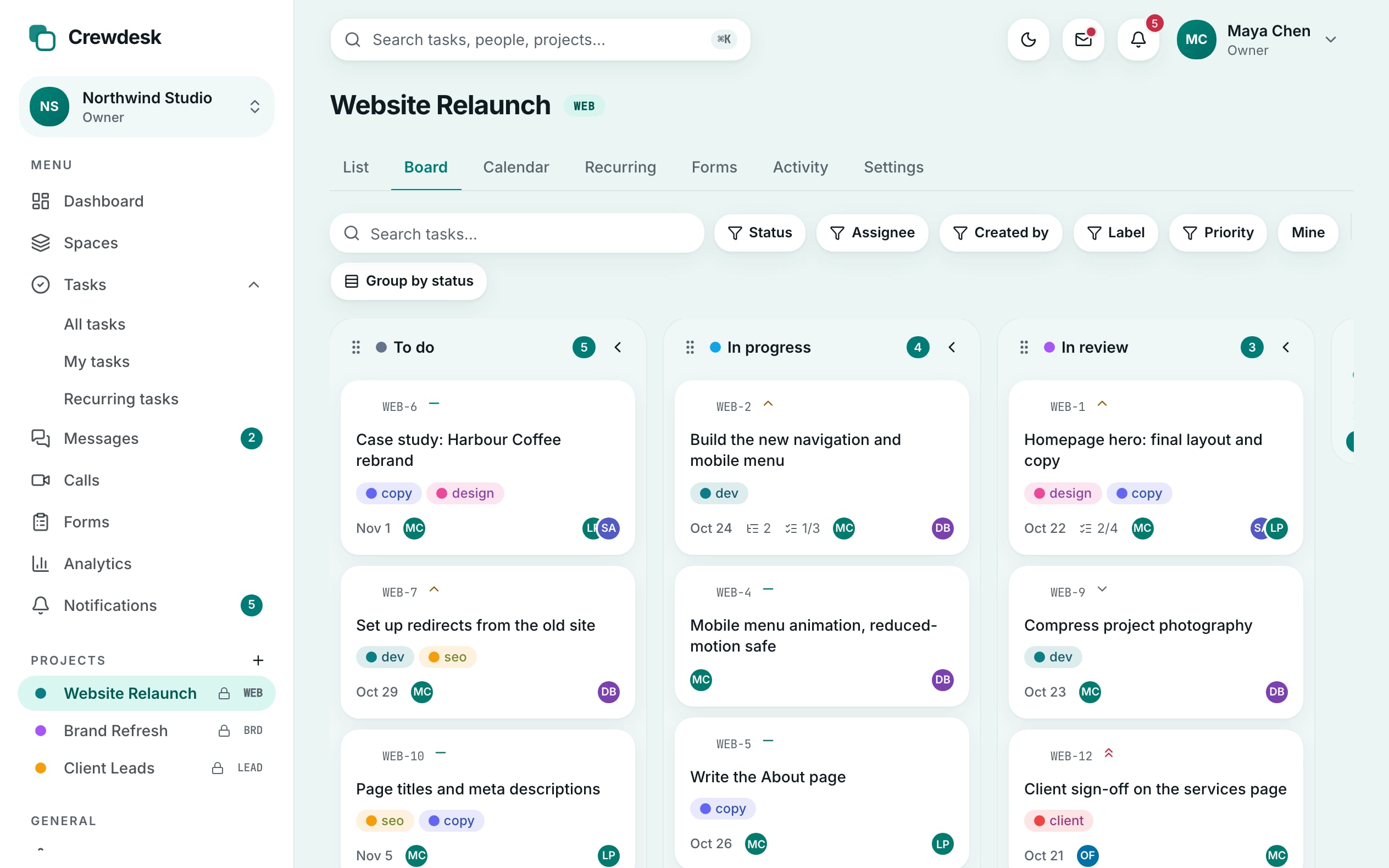
Plan the work your way
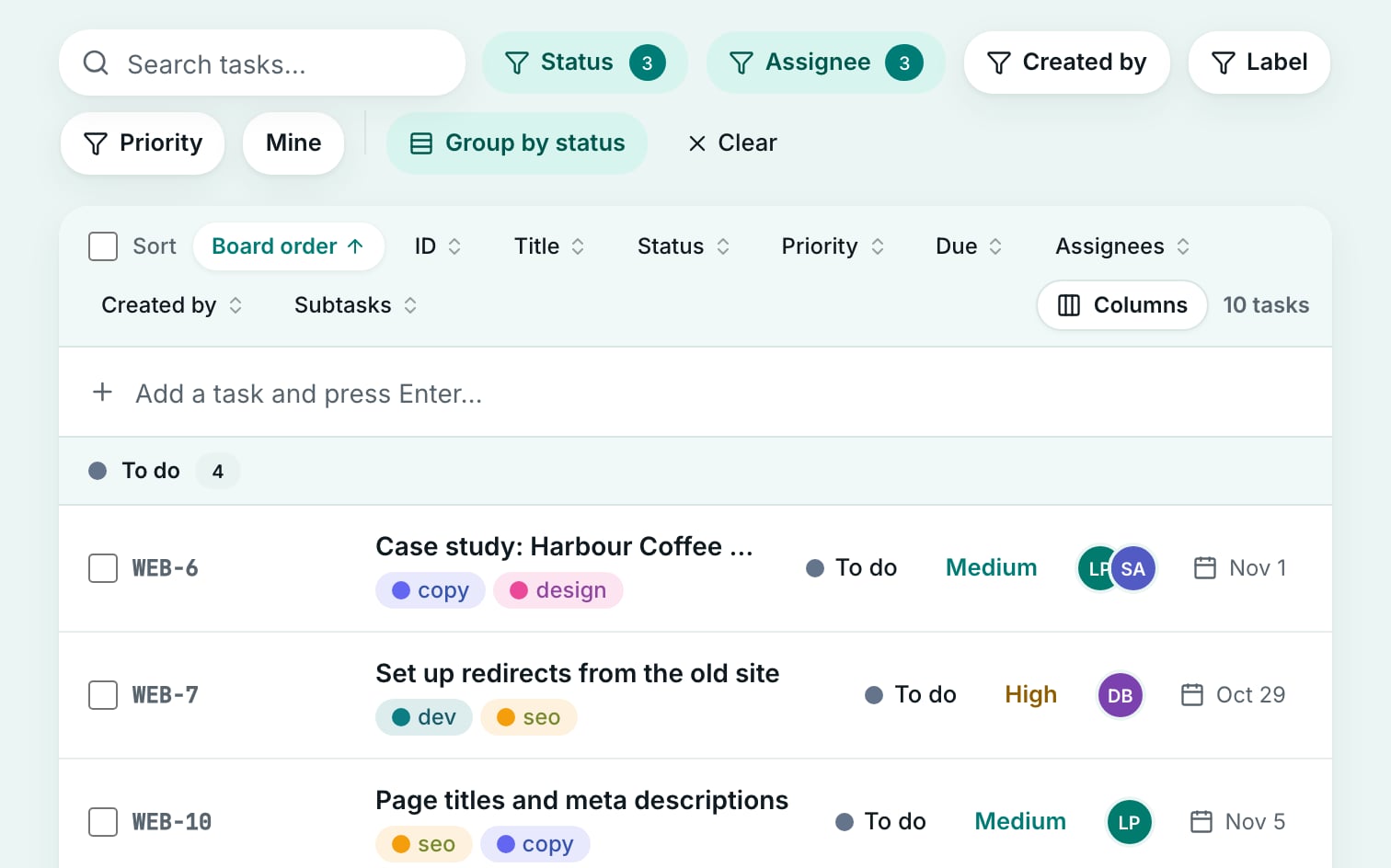
Board, list and calendar views over the same tasks. Filters, sorting and the open task live in the link, so any view can be shared.
- Drag and drop, or move cards with the keyboard
- My Tasks: everything assigned to you, grouped by due date
- Daily recurring tasks, checklists, subtasks and comments
Keep the conversation next to the work
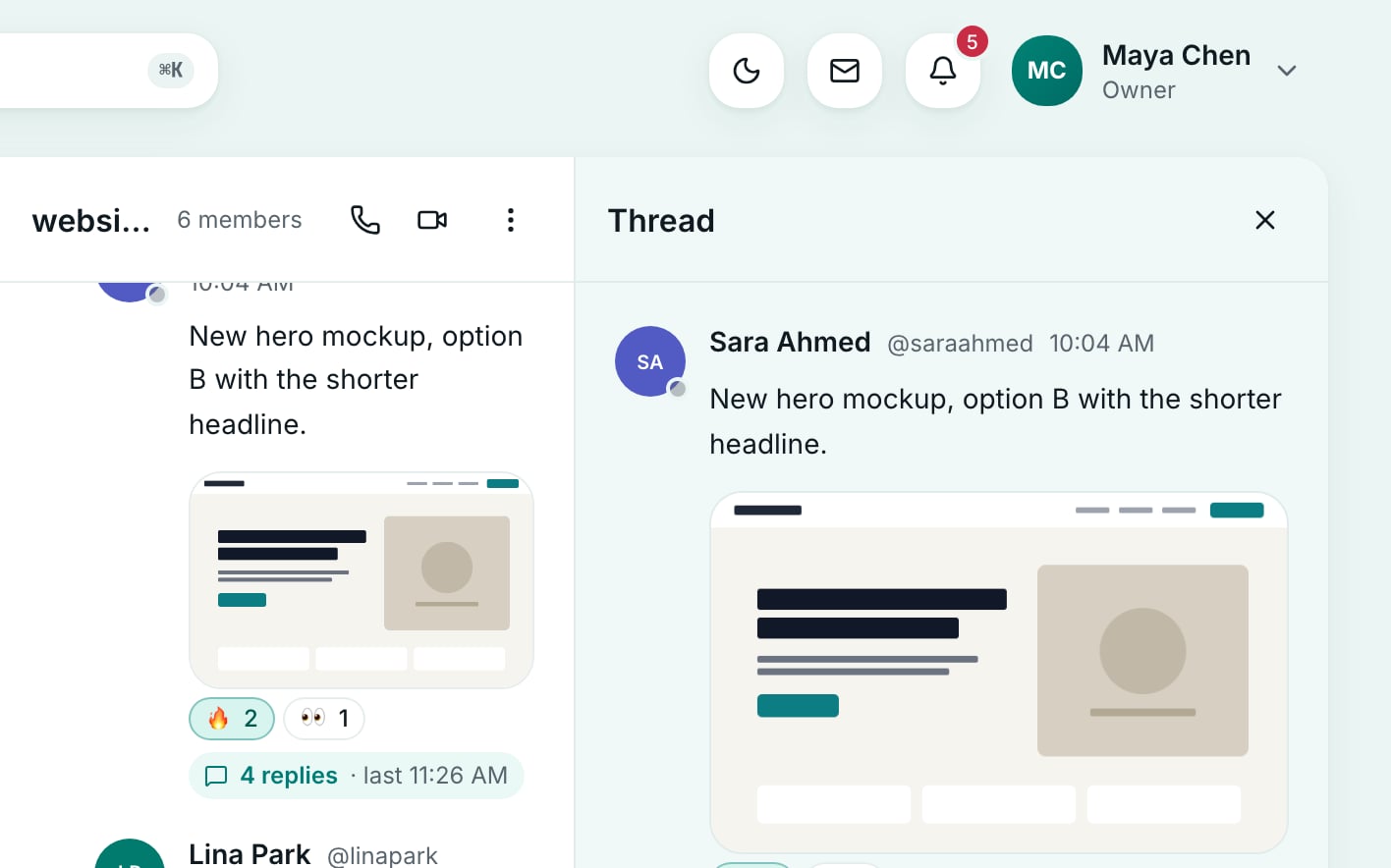
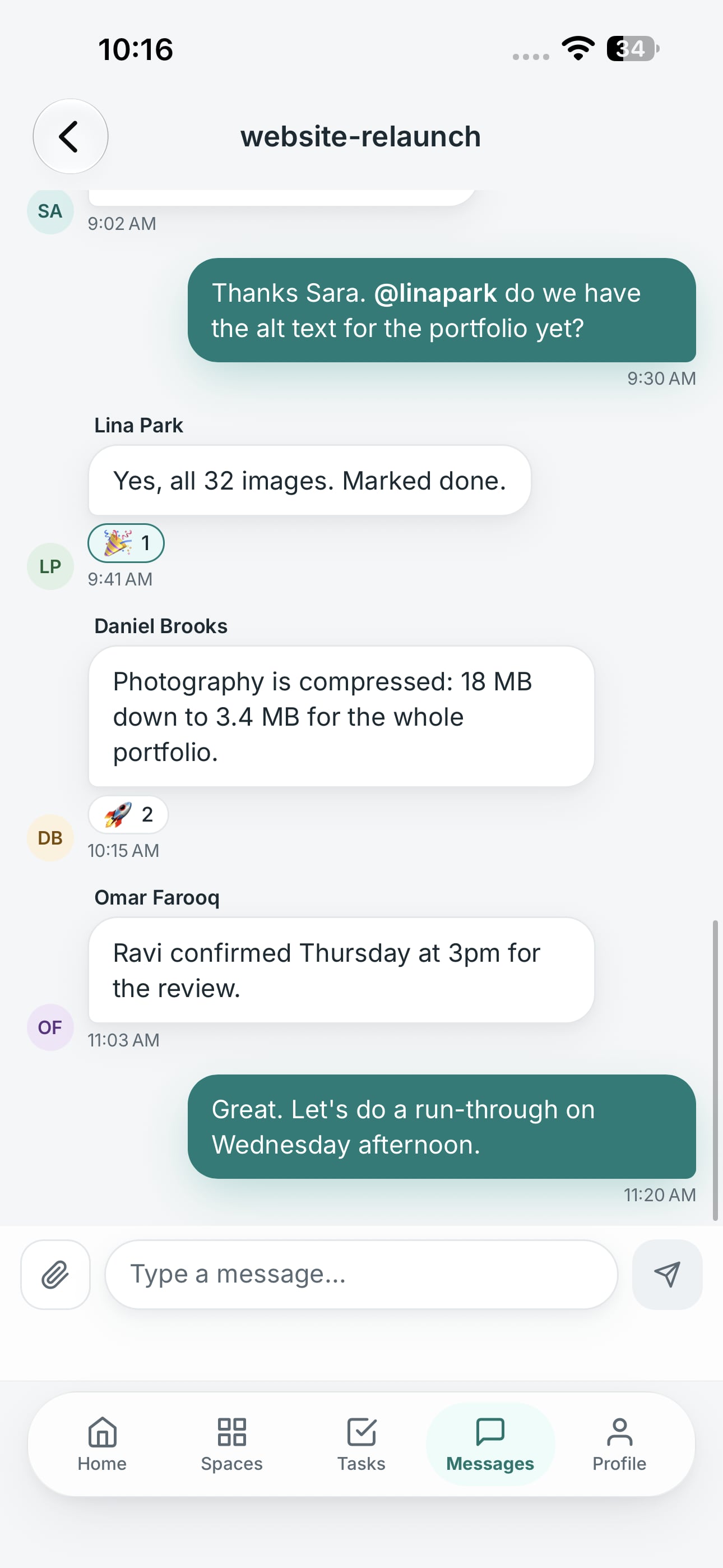
Every project gets its own channel, plus group chats and direct messages. Threads keep side topics out of the main room.
- Threads, reactions, edits and file attachments
- @mentions notify the person you name
- Search across tasks, messages and comments
Turn website visitors into tasks
Build a form, put it on any website, and every submission lands on your board as a task. No inbox in between, nothing to copy.
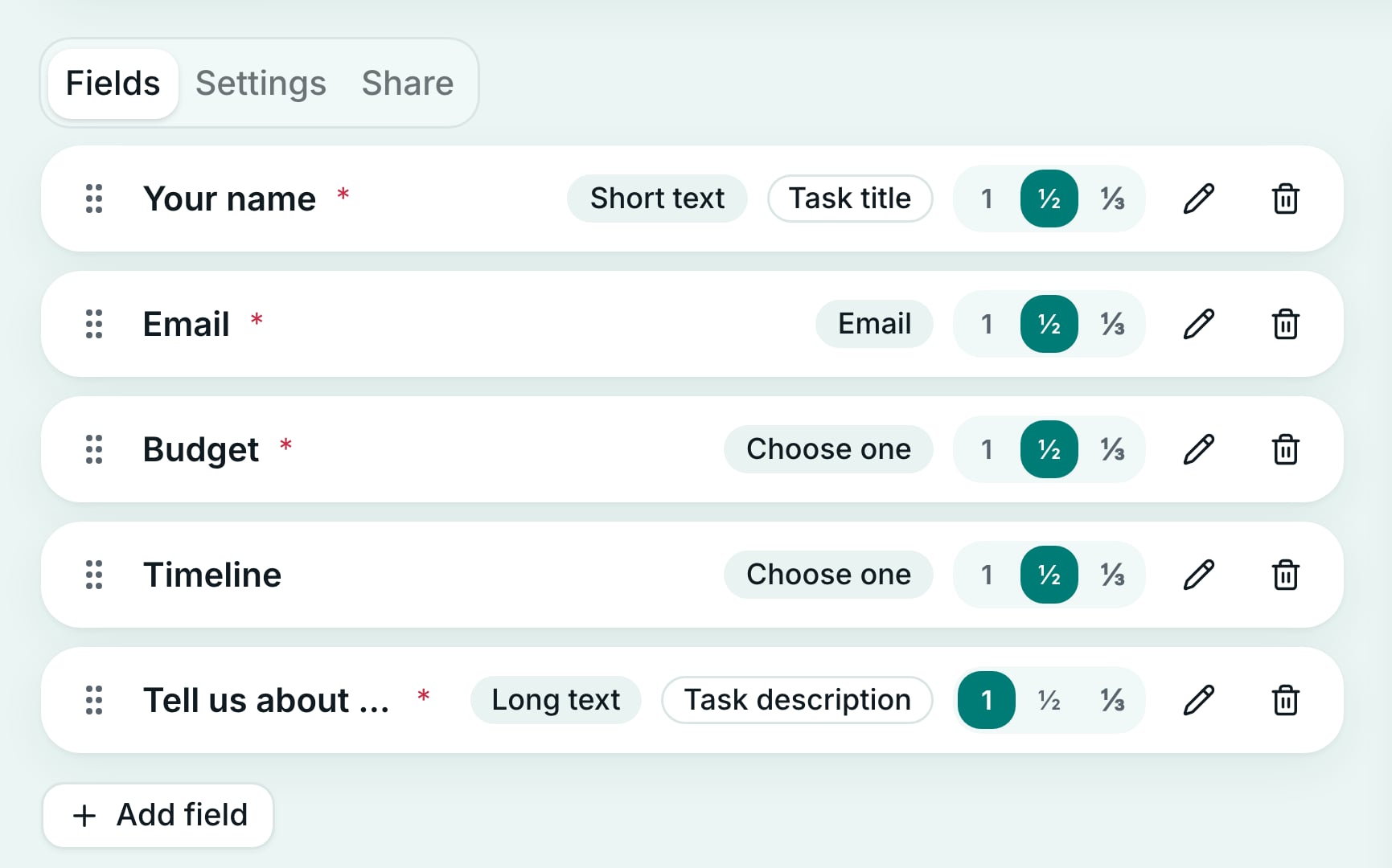
- Drag-and-drop builder with half and third-width fields
- Embed as a link, an iframe or plain HTML you can restyle
- Spam protection and CSV export built in
Talk it through, face to face
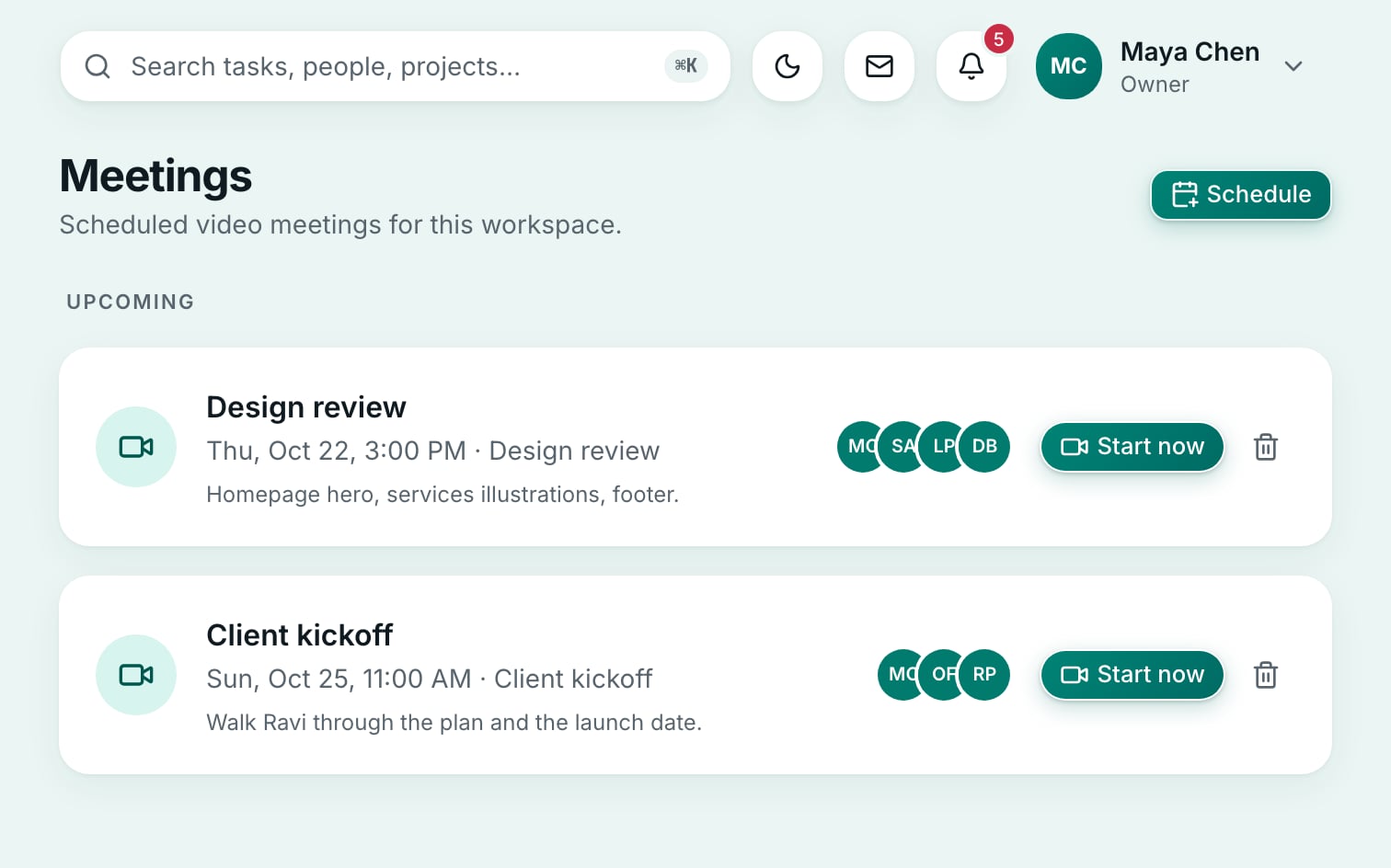
Start an audio call or a video meeting from any channel in the web app, or schedule one and everyone invited gets a reminder.
- Audio calls and video meetings from any channel
- Screen sharing for walking through a task
- Scheduled meetings with a reminder before they start
Know exactly what needs you
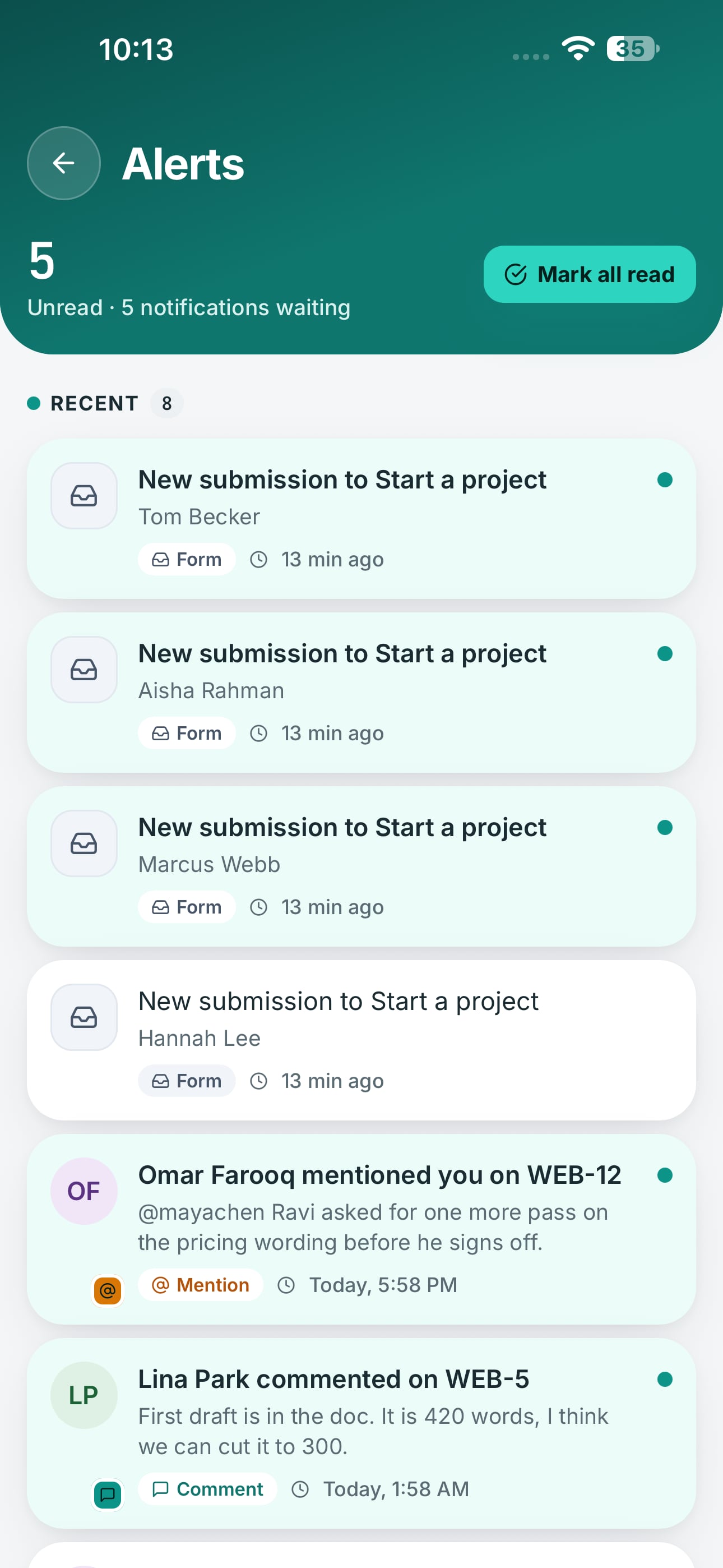
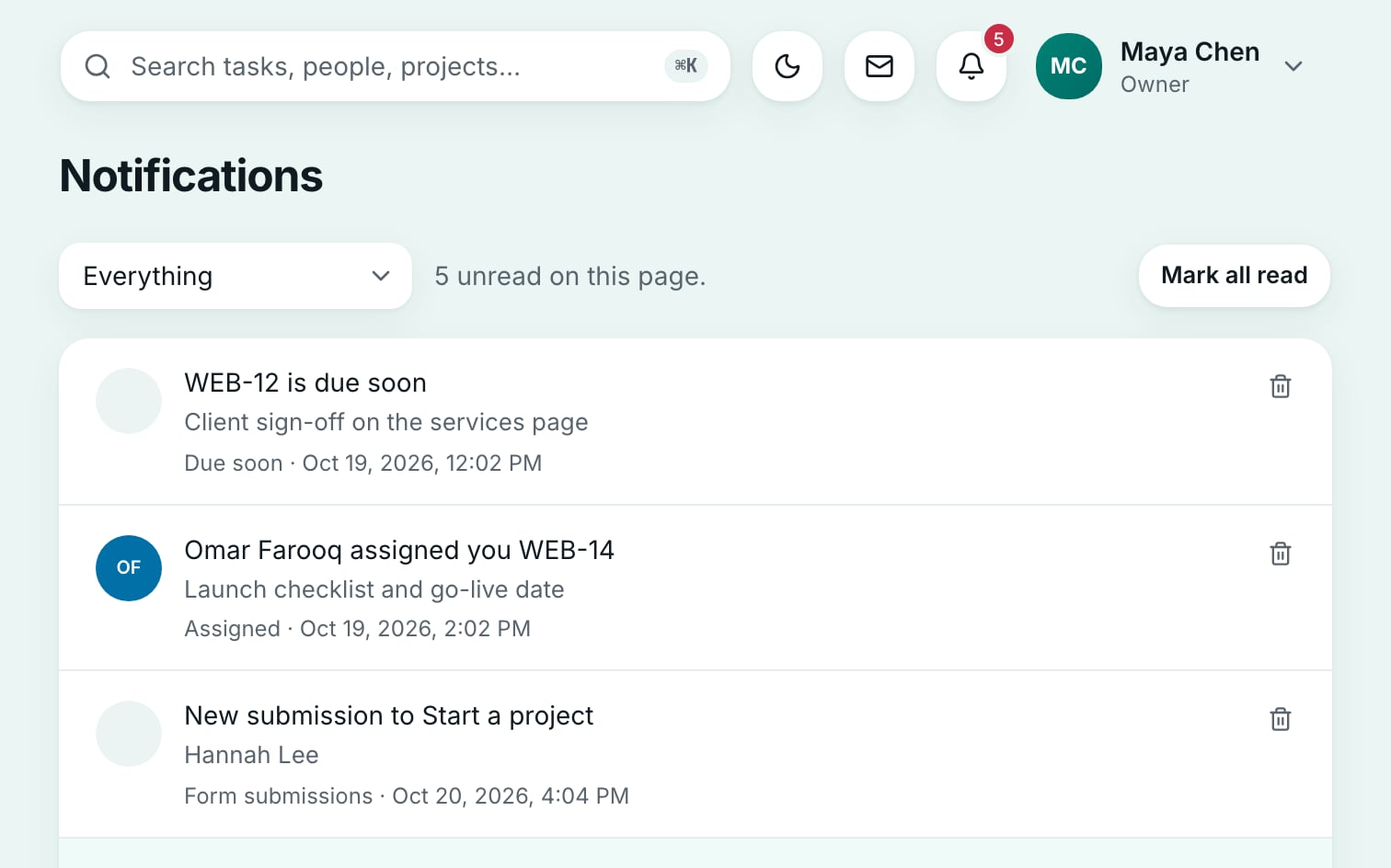
One inbox for everything that involves you, with push notifications on your phone and in your browser.
- Assignments, mentions, comments and due dates
- Tap a notification to open the exact task or message
- A switch for each kind of notification
Also in every workspace
Spaces
Every workspace you belong to and its projects in one place. Owner, admin, member and guest roles decide who can see and change what.
Dashboard and analytics
Open, finished and overdue work at a glance, progress by project and week, and who is carrying what. In the web app.
Light and dark
Choose light, dark or match your device, from the top bar or your account settings, on the web and in the mobile app.
Web and mobile
One account in the web app and in the iPhone and Android apps, which are in development. Calls and search stay in the web app.
From first contact to done, without switching apps
- A visitor fills in the form on your websiteNo account needed on their side.
- It lands on your board as a taskIn the column you chose, marked “Created via form”.
- The team talks it through in the project channelWith a thread, or a quick call.
- The person assigned gets a push on their phoneOne tap opens the task.
Crewdesk on your phone
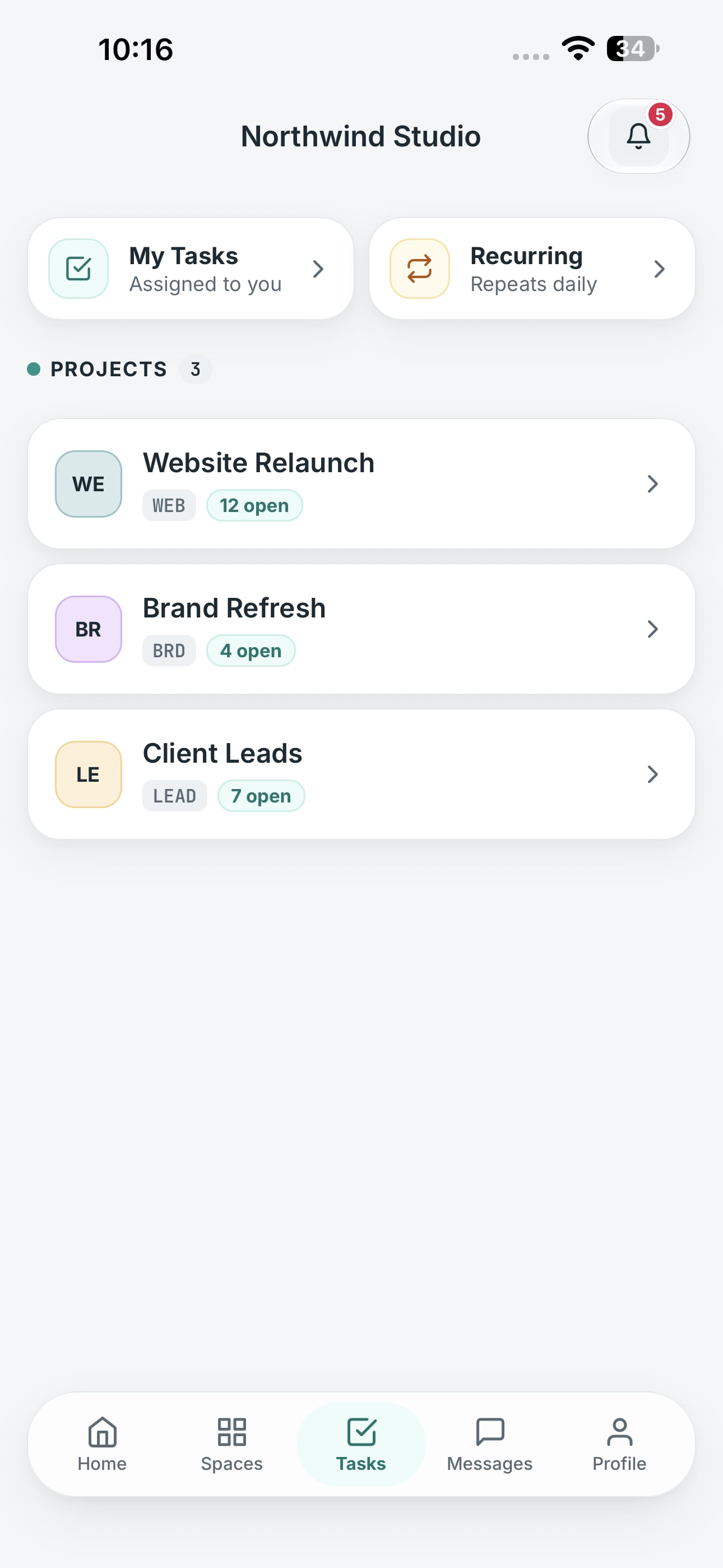
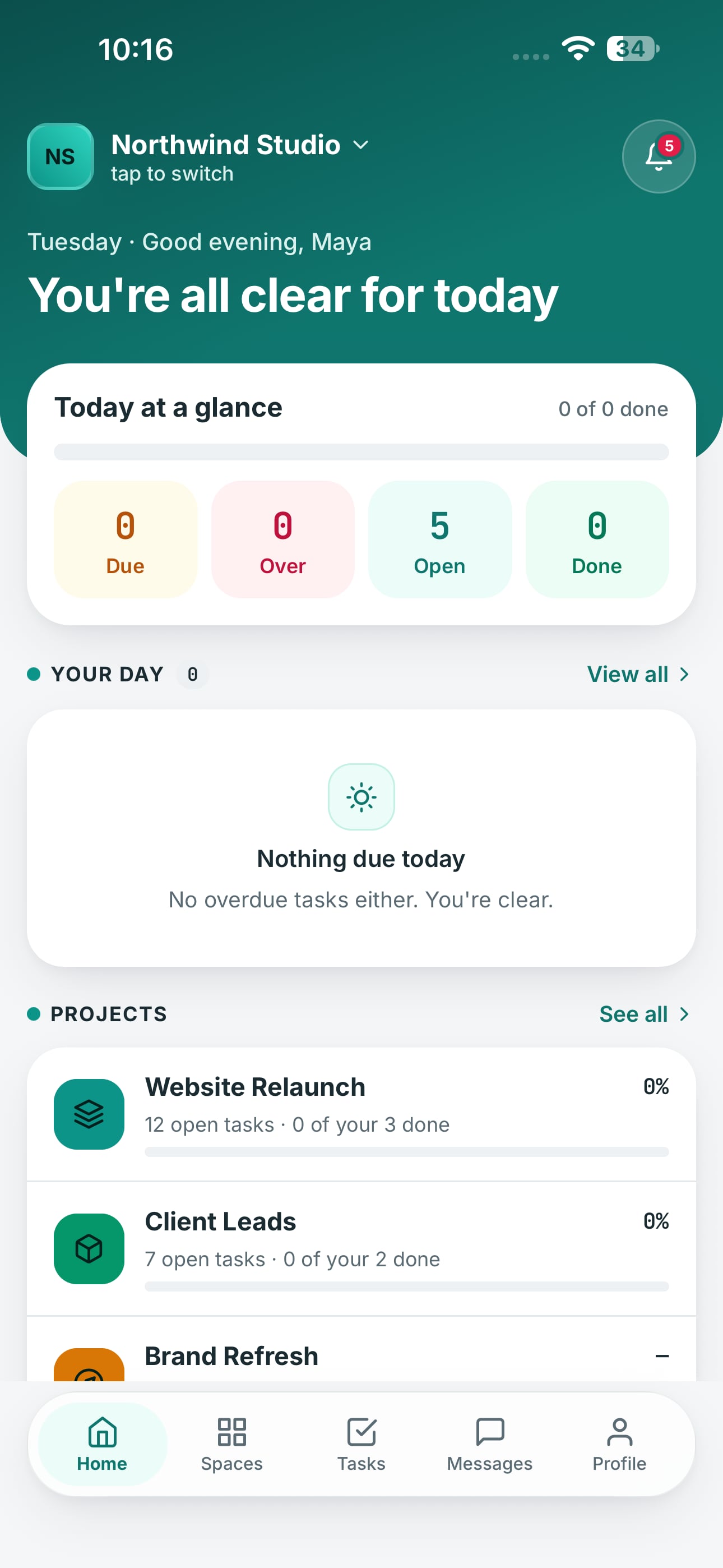
The Crewdesk apps for iPhone and Android are in development. They use the same account as the web app, so everything you set up today will already be there.
Your tasks and the board, chat with threads, files, and push notifications that open straight to the task or message. Calls and search stay in the web app.
Private by default, by design
Joining a workspace gets you the workspace. Every project needs someone to add you.
How Crewdesk keeps your work privatePrivate projects
A project you're not on never appears in your sidebar, search, calendar or notifications.
Nothing to probe for
Another team's project looks exactly like one that doesn't exist, so its name can't be guessed from outside.
Clear roles
Owner, admin, member and guest. A task is edited by its creator, its assignees and admins; guests can read but never change.
Your data stays yours
Files sit behind sign-in, live updates only reach people who can see the project, and location data is removed from profile photos.
Free during early access
No card required. Everything on this page is included for everyone in your workspace. When paid plans arrive, we'll tell you well in advance.
What's included
- People and projects
- No limit in early access
- File uploads
- 10 MB per file
- Task views
- Up to 500 rows
- Form submissions export
- CSV, up to 5,000 rows
- Web app and mobile app
- Both included
Questions, answered
Something else on your mind? See all questions or contact support.
Is there a mobile app?
Yes, for iOS and Android. It's in development now and coming soon. Until then, the web app works in any phone browser.
Do people who fill in our forms need an account?
No. Public forms work without an account, and the task they create is marked “Created via form”.
Can people outside our team see our projects?
No. Being in a workspace gives access to nothing until someone adds you to a project.
How do I invite my team?
By @handle, by email, or with one shareable link.
What does it cost?
Crewdesk is free during early access, with no card required. We'll give plenty of notice before paid plans arrive.
Start with one project and one task
Setup takes a couple of minutes. Invite your team when you're ready.